Only in Sonopley
Moments set the mood in one go.
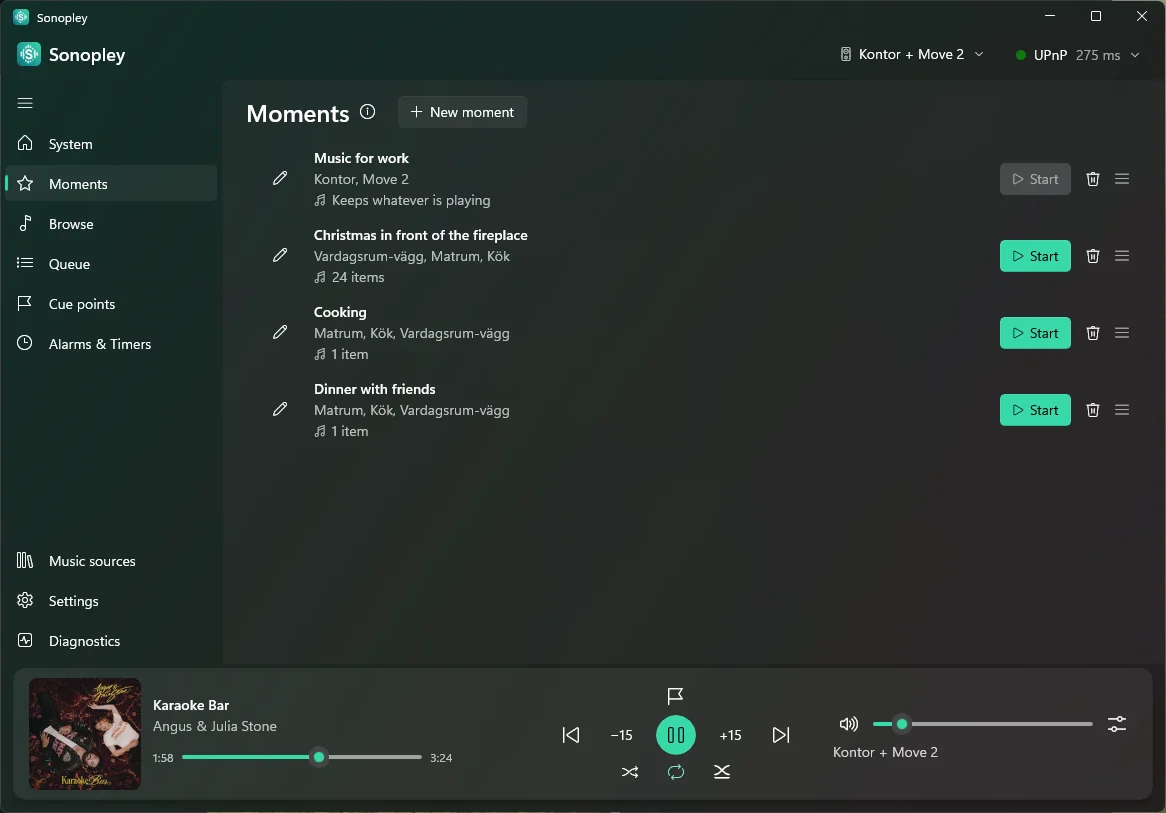
A moment is a part of your day with its own sound — cooking, dinner with friends, a workout. It remembers which rooms play together, how loud each one is, and what to put on. Start it, and Sonopley groups the rooms, sets every volume and starts the music.
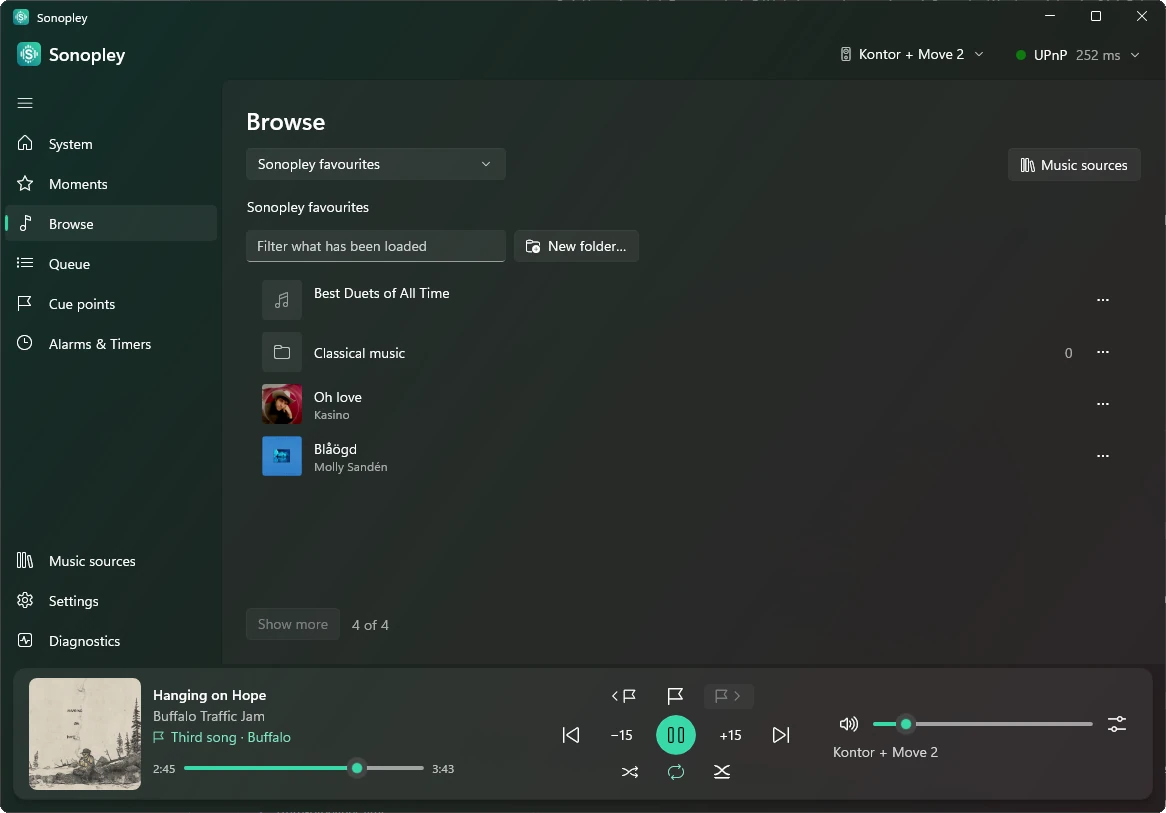
The first time Sonopley reads your Sonos system, the Moments page suggests up to three moments made from your own groups and Sonos favourites: Keep the ones you like — nothing plays until you start one. Save the group you are listening to as a moment, or add an album, a playlist or a radio station to one straight from Browse. Start one and it says so at once — “Starting the moment…”, then “Started” — and however long its list, the music starts straight away. Drag your moments, their rooms and their music into the order you want. A new moment starts from the group you have selected: its rooms are already ticked, and the songs in its queue become the moment's music.